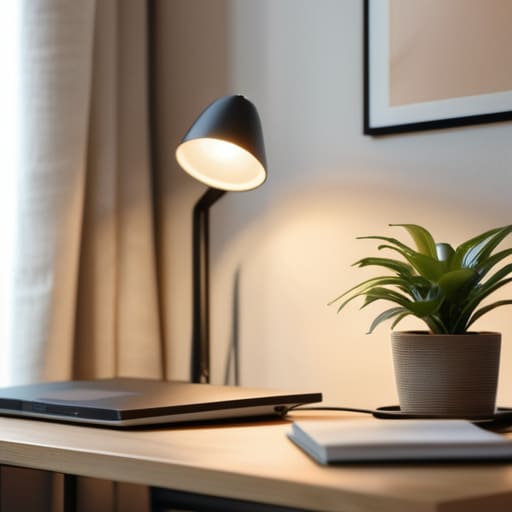
I am so tired of seeing those “aesthetic” desk setups on TikTok where everything is perfectly beige, color-coordinated, and completely useless for actual work. You see these videos claiming that buying a $400 ergonomic chair and a specific brand of ambient lighting is the secret to focus, but let’s be real: that’s just expensive clutter. If you’re looking for a magical, Pinterest-perfect solution for how to build a productive workspace, you’re going to be disappointed. Most of that advice is just gatekeeping productivity behind a paywall of unnecessary gadgets that don’t actually solve the mental friction of sitting down to work.
I’m not here to sell you a lifestyle or a specific brand of overpriced stationery. Instead, I want to show you how to build a system that actually supports your brain instead of distracting it. I’m going to walk you through the unpolished, functional steps I use to organize my own freelance setup—from managing cable chaos to creating a zone that stops the mid-afternoon spiral. We’re stripping away the fluff and focusing on low-friction systems that work for real life, even when your apartment is small and your budget is non-existent.
Table of Contents
- Stop Treating Your Desk Like a Crisis Zone
- The No Nonsense Guide on How to Build a Productive Workspace
- Mastering Ergonomic Office Setup Tips Without the Fancy Price Tag
- Minimizing Desk Distractions Through Radical Workspace Organization Hacks
- Using Optimal Lighting for Focus and Essential Desk Accessories
- Five Small Systems to Keep Your Focus from Spiraling
- The TL;DR on a Functional Workspace
- Building Your System, One Step at a Time
- Frequently Asked Questions
Stop Treating Your Desk Like a Crisis Zone
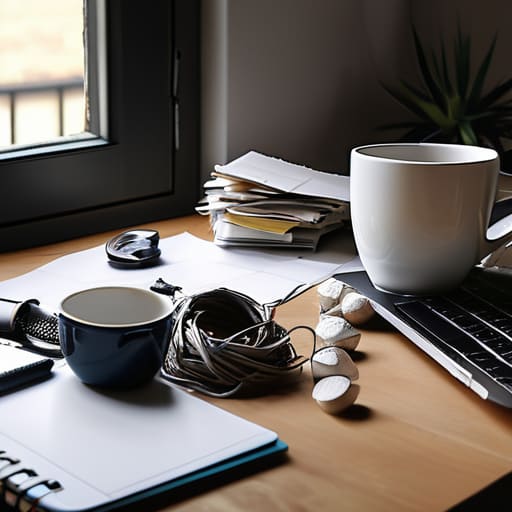
Most of us treat our desks like a dumping ground for everything that doesn’t have a permanent home—half-empty coffee mugs, random charging cables, and that stack of mail you’ve been avoiding for three days. When your physical space is a chaotic mess, your brain starts to mirror it. You sit down to actually work, but instead, you spend twenty minutes just trying to find a pen or clearing enough space to rest your laptop. This isn’t just “clutter”; it’s a constant cognitive drain that makes improving home office productivity feel impossible.
To fix this, you need to stop reacting to the mess and start implementing some actual workspace organization hacks. I’m not talking about buying a $50 aesthetic organizer that just ends up holding more junk. I mean creating zones. Keep your “active” tools—like your notebook, laptop, and a glass of water—within arm’s reach, and move everything else into a drawer or a bin. By minimizing desk distractions through physical boundaries, you stop the mental spiral before it even starts. If it doesn’t help you complete the task in front of you, it shouldn’t be on the surface.
The No Nonsense Guide on How to Build a Productive Workspace
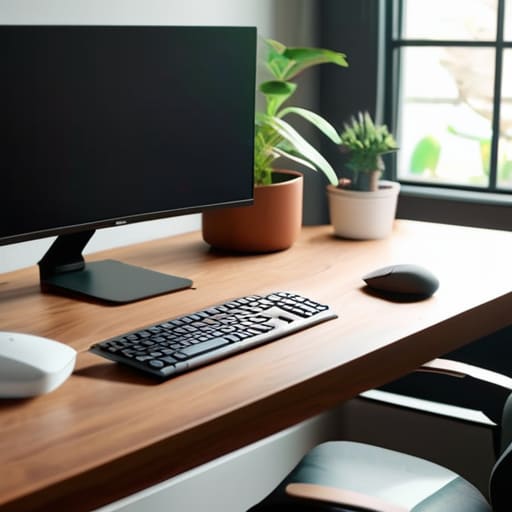
First, let’s talk about the physical stuff. You don’t need a $2,000 designer chair to get things moving, but you do need to stop slouching like a question mark. I’m a huge believer in basic ergonomic office setup tips—like making sure your monitor is at eye level so you aren’t killing your neck by 2 PM. If you’re working from a kitchen chair, grab a firm cushion. It’s not about aesthetics; it’s about making sure your body doesn’t revolt halfway through a deep-work session.
Next, we need to tackle the sensory side of things. I’ve learned the hard way that lighting dictates my mood more than I care to admit. If you’re hunched under a single, flickering overhead bulb, your brain is going to feel as tired as your eyes. Try to position yourself near natural light or invest in a decent desk lamp to find that optimal lighting for focus. Once the light is right, the next step is ruthless: clear the visual noise. If it doesn’t help you complete a task, it shouldn’t be in your line of sight.
Mastering Ergonomic Office Setup Tips Without the Fancy Price Tag
Look, I get it. You see these $1,200 ergonomic chairs and “smart” standing desks all over TikTok, and suddenly you feel like your setup is a joke. But here’s the truth: you don’t need to drain your savings to stop your neck from feeling like it’s being held together by sheer willpower. Most ergonomic office setup tips you find online are just ways to sell you more gear. Instead, focus on the physics of your body. If your monitor is too low, grab a stack of those old textbooks you never read and use them as a riser. If your feet don’t touch the floor, a sturdy box works just as well as a designer footrest.
It’s really about aligning your joints so you aren’t fighting your furniture all day. Pay attention to your elbows—they should be at a 90-degree angle, not hovering awkwardly in mid-air. Also, don’t sleep on the power of optimal lighting for focus. If you’re working under a harsh overhead light that makes you feel like you’re in a hospital, or if you’re squinting in a dark corner, your productivity is going to tank. Position yourself near a window or grab a cheap desk lamp to soften the glare. It’s about small, intentional adjustments that save your spine and your sanity.
Minimizing Desk Distractions Through Radical Workspace Organization Hacks
We’ve all been there: you sit down to finally crush that project, but then you notice a stack of mail, a stray charging cable, or a half-empty coffee mug from yesterday. Suddenly, your brain is more focused on the clutter than the actual work. To actually succeed at minimizing desk distractions, you have to stop treating your surface like a junk drawer. I’m a big believer in the “one-touch” rule—if you pick something up, put it exactly where it belongs immediately. Don’t just move the mess to a different corner; clear it out.
When it comes to workspace organization hacks, less is almost always more. I keep my immediate reach zone strictly limited to my laptop, a notebook, and my water bottle. Everything else—the pens, the external hard drives, the fidget toys—needs a designated “home” in a drawer or a small desktop organizer. If it doesn’t serve a direct purpose for the task at hand, it’s just visual noise. By clearing the physical landscape, you’re essentially giving your brain permission to actually focus without the constant micro-distractions of a messy environment.
Using Optimal Lighting for Focus and Essential Desk Accessories
Let’s talk about the stuff that actually affects your brain chemistry: light and touch. Most of us default to that one harsh overhead light that makes everything feel like a fluorescent-lit interrogation room, but that is a fast track to a headache. If you want to nail optimal lighting for focus, you need layers. I’m a big fan of a dedicated desk lamp with a warm, adjustable bulb. It creates a “task zone” that tells your brain it’s time to lock in, rather than just drifting through the day. If you can position your setup near a window for natural light, do it—just watch out for that afternoon glare that makes you want to squint until your eyes ache.
Once your lighting is dialed in, don’t overlook the small, tactile things. You don’t need a massive budget for essential desk accessories for focus, but you do need tools that reduce friction. I’m talking about a decent oversized mouse pad to smooth out your movements, a dedicated tray for the random pens and paperclips that usually migrate into your workspace, and maybe a small plant to break up the tech-heavy vibe. It’s about creating a sensory environment that feels intentional rather than accidental.
Five Small Systems to Keep Your Focus from Spiraling
- Stop the “junk drawer” mentality by designating one single, specific spot for every single cord and gadget; if it doesn’t have a home, it’s just clutter waiting to derail your afternoon.
- Implement a “reset ritual” at the end of every workday where you clear your desk back to zero, so you aren’t walking into a mess of yesterday’s stress the next morning.
- Use a physical timer—not your phone—to time your deep work sprints, because once you pick up that device to check a notification, your focus is officially dead.
- Curate a “sensory toolkit” for your desk, like a specific candle or a certain lo-fi playlist, that acts as a psychological trigger to tell your brain it’s time to actually work.
- Audit your digital desktop as much as your physical one; if your computer screen is a chaotic graveyard of random screenshots and unfiled PDFs, your brain is going to feel just as cluttered.
The TL;DR on a Functional Workspace
Stop chasing “aesthetic” setups that don’t actually work; prioritize ergonomics and lighting that keep you from feeling like a zombie by 3 PM.
Build systems, not just piles—organize your desk so that everything has a specific home, which stops the “where is my charger?” spiral before it starts.
Protect your focus by aggressively removing visual and digital clutter, because a messy desk is just a physical manifestation of a distracted brain.
Building Your System, One Step at a Time
At the end of the day, creating a productive workspace isn’t about buying every aesthetic gadget you see on a Pinterest board or spending a month perfecting your cable management. It’s about the small, intentional shifts—the way you position your monitor to save your neck, how you curate your lighting to keep the afternoon slump at bay, and how you ruthlessly clear the clutter that triggers your brain to spiral. We’ve covered everything from ergonomic hacks that won’t break your bank account to the radical organization needed to keep distractions out of your line of sight. It’s about building a functional ecosystem that supports your work instead of fighting against it. When you stop treating your desk like a temporary crisis zone and start treating it like a purpose-built tool, everything changes.
Please remember that your workspace is a living thing; it’s going to change as your projects change and as your life evolves. You don’t need to get it perfect on day one, and you definitely don’t need to achieve some impossible standard of “minimalist perfection” to be effective. Just focus on reducing the friction. If a certain setup makes your morning transition into deep work feel slightly less chaotic, you’ve already won. Adulthood is messy, but your environment doesn’t have to be. Take these systems, tweak them until they feel right for you, and just start building.
Frequently Asked Questions
I live in a tiny studio apartment—how do I set up a workspace without it taking over my entire living area?
The “studio apartment struggle” is real. When your bed is three feet from your laptop, your brain never truly clocks out. My rule? Use visual cues to create boundaries. If you can’t afford a separate room, use a folding screen or even a rug to “zone” your office area. When the workday ends, physically pack your tech into a dedicated bin or drawer. If you can’t see the work, you can actually relax.
What do I do if my "workspace" is just my kitchen table or a corner of my bedroom?
Look, I get it. Most of us aren’t sitting in a dedicated home office with a mahogany desk. If your “office” is the kitchen table or a corner of your bedroom, the goal is psychological separation. When you’re done working, clear the laptop and the notebooks away completely. If you can’t move the desk, use a specific lamp or a dedicated desk mat to signal to your brain: “We are in work mode now.”
How do I know when my setup is actually working versus when I'm just obsessing over aesthetic desk decor?
Look, there’s a fine line between a setup that inspires you and one that’s just a glorified Pinterest board. The litmus test is simple: Does your gear actually help you finish a task, or are you spending forty minutes adjusting a candle and rearranging your monitor just to avoid starting your work? If you feel more paralyzed by the “vibe” than empowered by the tools, you’re decorating, not organizing. Focus on friction, not aesthetics.
