I used to think my brain was just naturally disorganized, but honestly? I was just fighting a losing battle against a chaotic mental landscape. There is nothing quite as soul-crushing as having a “million-dollar idea” or a crucial grocery list slip through your fingers simply because you didn’t have a place to put it. We’ve all been there—scrolling through endless scraps of paper or buried screenshots, feeling that low-key panic set in. Finding the best note taking apps isn’t about being a productivity nerd; it’s about building a safety net so your brain can actually breathe.
I’m not here to give you a lecture on complex organizational frameworks that take three hours to set up. Instead, I’ve narrowed it down to five specific tools that actually fit into a real, messy life. Whether you need a digital brain for deep work or just a place to dump your random midnight thoughts, these picks will help you stop the mental leak. I’m going to walk you through exactly how these apps function in the wild, so you can pick the one that actually makes your daily existence feel a little less like a constant state of emergency.
Table of Contents
- Notion: The digital brain for people who love a system
- Obsidian: For the deep thinkers and connection seekers
- Apple Notes: The "it just works" minimalist choice
- Evernote: The old reliable for heavy lifters
- Google Keep: The digital equivalent of sticky notes
- The bottom line
- Finding Your Flow
- Frequently Asked Questions
Notion: The digital brain for people who love a system
If you’re anything like me, you don’t just want a place to dump text; you want a place where your life can actually live. Notion is basically a giant, customizable sandbox that lets you build everything from a meal planner to a massive client database. It’s perfect if you’re someone who gets a weird amount of satisfaction from seeing your different life categories neatly organized into beautiful, clean databases.
Obsidian: For the deep thinkers and connection seekers
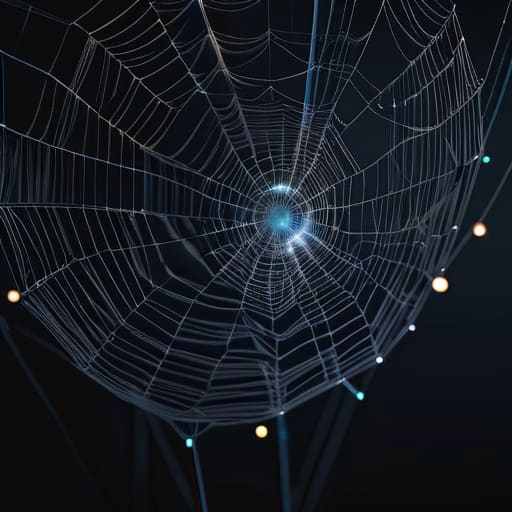
Sometimes, my brain doesn’t work in linear lists; it works in webs of interconnected ideas. That’s where Obsidian comes in. It’s a “knowledge management” tool, which sounds super intimidating and corporate, but it’s actually just a way to link your thoughts together using bi-directional linking. Instead of files sitting in isolated folders, you create a literal map of how one idea connects to another.
Apple Notes: The "it just works" minimalist choice
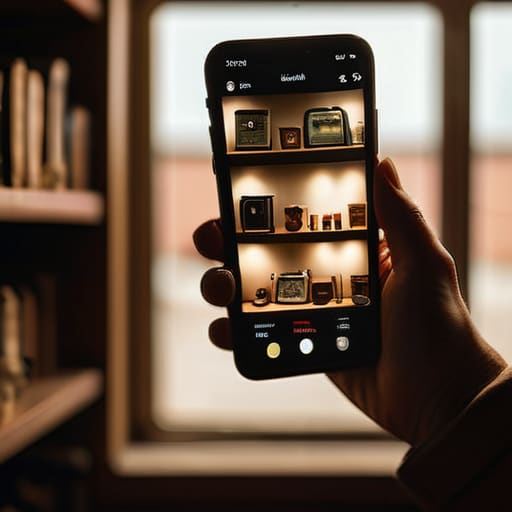
I know, I know—it feels a little basic to suggest the app that came pre-installed on your iPhone. But honestly? Sometimes the best system is the one with the least amount of friction. If I’m standing in the middle of a thrift store and I see a vintage camera I need to research later, I don’t want to spend five minutes setting up a Notion database. I just want to open my phone and type.
Evernote: The old reliable for heavy lifters
Evernote has been around forever, and while it’s had its ups and downs lately, it still holds its own as a powerhouse for information capture. The standout feature for me has always been the web clipper. If I’m researching a DIY project or a new career move, I can clip entire articles, PDFs, or even snippets of websites directly into a notebook without the formatting breaking.
Google Keep: The digital equivalent of sticky notes
There are some days when I don’t have the mental bandwidth to organize a “system.” On those days, I just need something that feels like a digital junk drawer, but one that’s actually functional. Google Keep is exactly that. It’s colorful, it’s fast, and it’s designed for those tiny, fleeting thoughts that don’t deserve a whole dedicated page in a notebook.
The bottom line
Stop searching for the “perfect” app and just pick one that doesn’t make you want to throw your phone across the room; the best system is the one you actually use.
Your digital space should mirror your brain, so if you’re a visual person, go for something aesthetic, but if you’re all about speed, stick to minimalist text.
Don’t let your notes become a graveyard of half-finished thoughts; build a simple habit of reviewing and archiving so your system stays lean and functional.
Finding Your Flow
At the end of the day, there isn’t a single “perfect” app that works for everyone, and honestly, that’s okay. Whether you’re leaning into the aesthetic simplicity of Bear, the heavy-duty organization of Notion, or the quick-fire capture of Apple Notes, the goal is the same: to get the noise out of your head and into a reliable system. You don’t need a complex setup with a dozen interconnected widgets to be productive. You just need a place where your thoughts can live without constantly feeling like they’re about to disappear. Pick the tool that feels the least like a chore and start there.
Remember, these apps are just tools, not the destination. I spent way too much time in my early twenties “optimizing” my digital workspace instead of actually doing the work, and it was a total productivity trap. The best system in the world won’t save you if you’re using it as a way to procrastinate. Use these apps to reduce the friction of your daily life, not to add more layers of digital clutter. Once you find your rhythm, step away from the screen and actually live your life. You’ve got this.
Frequently Asked Questions
How do I actually stick to a system without it becoming just another chore on my to-do list?
The secret is to stop treating your system like a secondary job. If your “productivity setup” feels like a chore, you’ve over-engineered it. I used to spend hours color-coding Notion pages only to abandon them three days later. My rule now? If it takes more than two minutes to log something, the system is broken. Aim for “low friction.” Keep it messy, keep it fast, and prioritize the habit over the aesthetics.
Is it worth paying for a premium subscription, or can I get by with the free versions of these apps?
Honestly? Don’t touch your credit card yet. Most of these apps are incredibly generous with their free tiers, and for 90% of us, that’s more than enough to keep our lives from spiraling. Only go premium if you’re hitting a hard wall—like needing massive file uploads or syncing across way too many devices. Treat subscriptions like a tool: don’t buy the high-end power drill until you actually have a project that requires it.
How do I stop my notes from becoming a digital junk drawer where I can never find anything again?
The “digital junk drawer” happens because you’re collecting information instead of organizing it. Stop treating your notes like a graveyard for random thoughts. Start using a simple “Action vs. Archive” system: if a note requires a task, it goes in your to-do list; if it’s just info, it goes into a folder with a searchable tag. If you can’t find it in three clicks, your hierarchy is too messy. Keep it lean.
